


DreamMapper: Sleep Apnea Therapy Monitoring
Overview
DreamMapper is a health-focused desktop application developed by Philips Respironics, designed specifically for individuals undergoing continuous positive airway pressure (CPAP) therapy. The software serves as a digital companion to Philips CPAP devices, enabling users to monitor their sleep apnea treatment progress over time. It collects and analyzes data from the connected CPAP machine, providing nightly insights into therapy adherence, mask fit, treatment duration, and overall sleep quality. This continuous night-to-night tracking helps users and healthcare providers assess treatment effectiveness and make informed decisions about therapy adjustments.
The application is tailored for patients managing obstructive sleep apnea, offering a structured way to stay engaged with their health journey. By delivering actionable feedback and visual reports, DreamMapper supports long-term treatment compliance. It also includes instructional videos to guide users through proper device use, setup, and troubleshooting. The software connects to any Philips CPAP device via Bluetooth, ensuring seamless integration with existing medical equipment. While the developer did not provide additional system requirements, the application is available for both Windows and Mac platforms.
Key Features & Capabilities
- Nightly Sleep Monitoring – Tracks therapy data from the CPAP device each night, providing consistent, reliable health insights over time.
- Treatment Progress Reports – Generates detailed reports on therapy hours, apnea-hypopnea index (AHI), and overall treatment adherence.
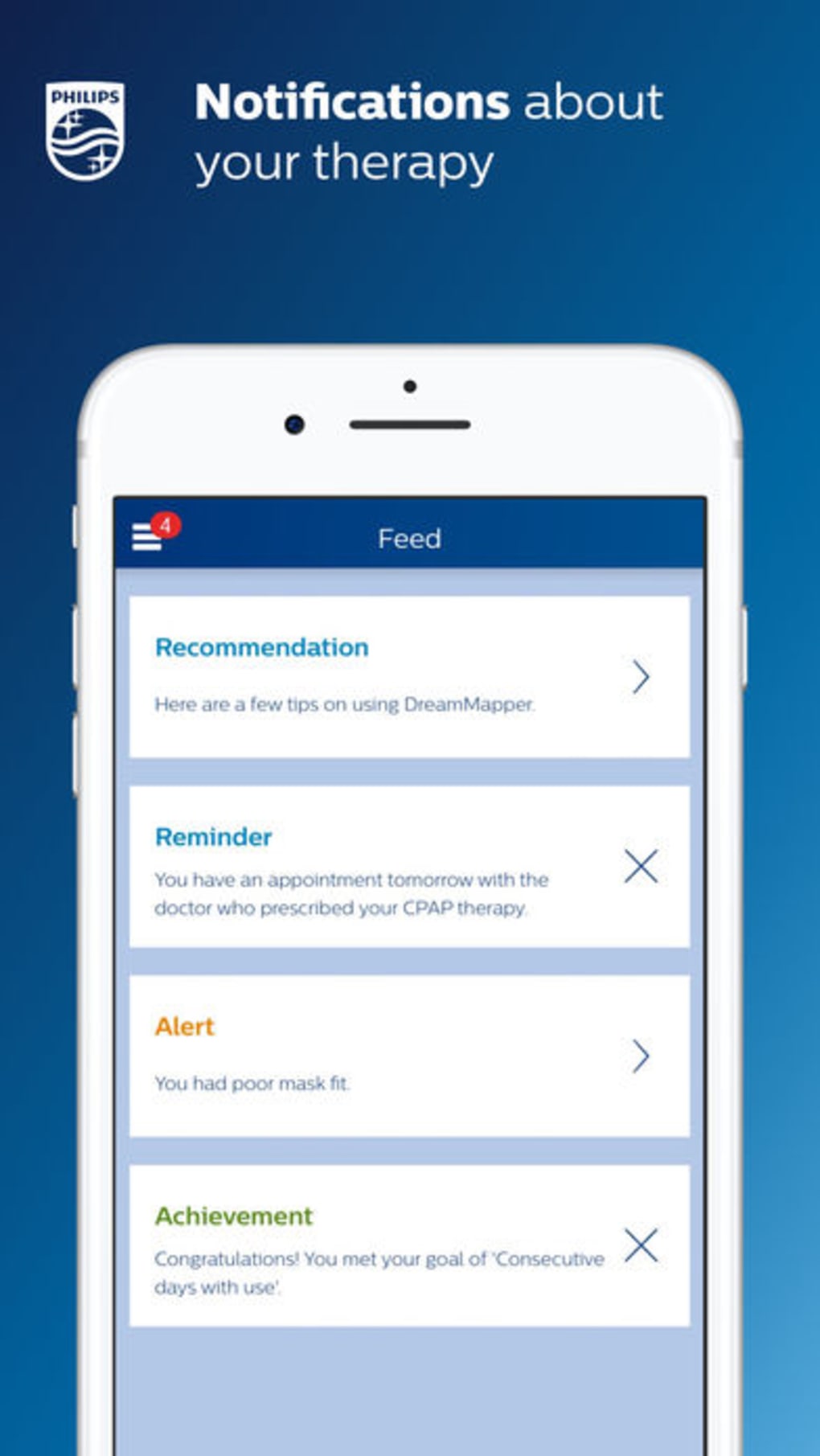
- Mask Fit Feedback – Offers real-time analysis on mask seal and fit, helping users optimize comfort and therapy effectiveness.
- Device Integration – Connects securely to any Philips CPAP device using Bluetooth, enabling automatic data synchronization.
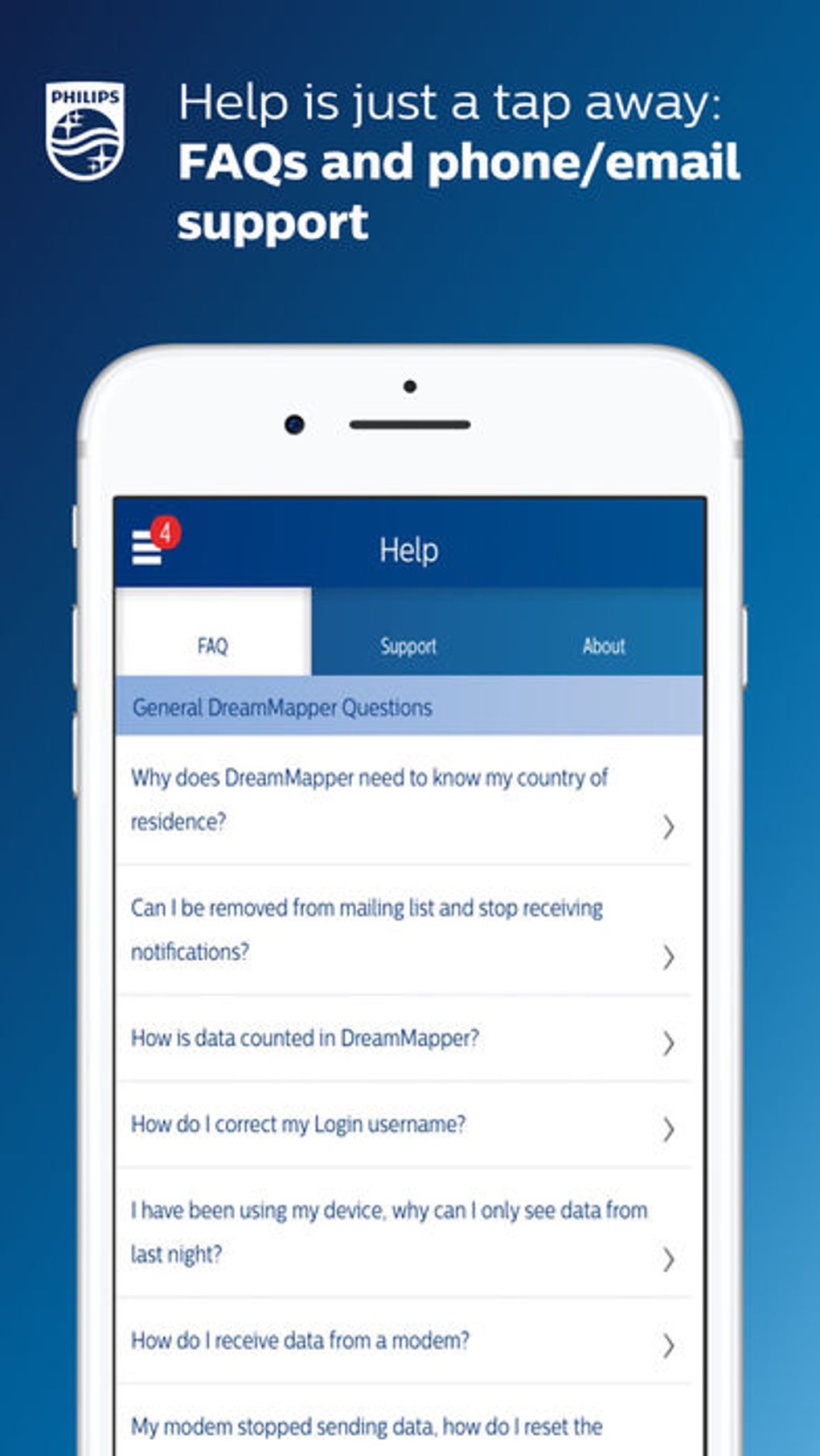
- Instructional Video Library – Includes a curated collection of educational videos to assist users with setup, maintenance, and troubleshooting.
- Treatment Management Adjustments – Allows users to make minor therapy adjustments based on guided recommendations from the app.
These features support a proactive approach to sleep apnea management. For example, a user who consistently experiences mask leaks can use the feedback to reposition or replace their mask, improving therapy outcomes. The app’s ability to track progress over multiple nights enables users to visualize improvements in their sleep patterns and treatment compliance. This data-driven insight empowers patients to take ownership of their health and enhances communication with healthcare providers during follow-up visits.
User Interface, Workflow & Performance
DreamMapper features a clean, intuitive interface designed with patient accessibility in mind. Navigation is straightforward, with clearly labeled sections for sleep reports, device status, therapy history, and educational content. The workflow is streamlined, allowing users to connect their CPAP device, review overnight data, and access support materials with minimal steps. The software is optimized for daily use, enabling quick access to key metrics without technical complexity.
Performance details were not specified by the developer. However, based on general software behavior, the application operates efficiently within standard desktop environments. It runs in the background during device synchronization and does not appear to interfere with other system processes.
The developer did not specify resource usage details, so CPU and RAM behavior remain unknown. Stability is expected to be consistent given the app’s focus on reliable, continuous monitoring. No performance issues were reported in the provided documentation.
Compatibility & System Requirements
DreamMapper is available for both Windows and Mac operating systems, ensuring broad accessibility for users across desktop platforms. The software version is 2.5.0, with a file size of 100 MB, indicating a lightweight installation. While the developer did not specify exact system requirements, the application is designed to run on standard desktop environments used for health monitoring and medical device integration.
Compatibility information was partially provided. The app connects to Philips CPAP devices via Bluetooth, which implies that the host computer must support Bluetooth functionality. Users should ensure their system has updated Bluetooth drivers and is compatible with the specific CPAP model in use. The developer did not list minimum hardware specifications, so users are advised to check their system’s compatibility with Bluetooth-enabled medical devices. No additional peripherals or software dependencies were mentioned.
Pros and Cons
Pros
- Seamless integration with Philips CPAP devices via Bluetooth
- Provides actionable feedback on mask fit and therapy adherence
- Offers nightly sleep and treatment progress reports
- Includes educational videos for patient support and guidance
- Free to download and use with no hidden costs
- Designed for long-term health monitoring and treatment tracking
Cons
- Only compatible with Philips CPAP devices, limiting cross-brand use
- No detailed system requirements provided
- Requires a Bluetooth-enabled computer for device connection
- App functionality is restricted to users of Philips Respironics CPAP machines
- Performance and resource usage details were not disclosed
FAQ Section
Is DreamMapper compatible with non-Philips CPAP devices?
DreamMapper is designed exclusively for use with Philips CPAP devices. It does not support other brands or models.
Is the software safe and secure?
As a medical health application developed by Philips Respironics, DreamMapper follows established privacy and data security standards. It is intended for personal health monitoring and does not share data without user consent.
How often does the app update?
Updates are released periodically by Philips Respironics to improve functionality, fix bugs, and enhance device compatibility. Users are encouraged to keep the app updated for optimal performance.
Can I use DreamMapper offline?
The app requires an active Bluetooth connection to the CPAP device for data transfer. While some features may be accessible offline, full functionality depends on device synchronization.
What type of license does DreamMapper use?
DreamMapper is provided as a free desktop application with no licensing fees. It is available for personal use by patients undergoing CPAP therapy.
Final Thoughts + CTA
DreamMapper stands out as a reliable, patient-centered tool for individuals managing sleep apnea with Philips CPAP therapy. Its ability to deliver consistent, data-driven insights into treatment progress makes it a valuable companion for long-term health monitoring. The integration with CPAP devices, combined with educational content and feedback on mask fit, empowers users to take an active role in their care. While it is limited to Philips devices and lacks detailed system specifications, its core functionality is robust and purpose-built.
For sleep apnea patients using Philips CPAP machines, DreamMapper offers a seamless way to track therapy success, improve comfort, and maintain treatment compliance. It is particularly beneficial for users seeking greater transparency and control over their health journey. The free access model enhances accessibility, making advanced monitoring tools available at no cost.
Download DreamMapper now







